
DIG 2101: web2 - Web Design II

- Learn the integration of web based tools, imaging manipulation and optimization, animated navigation with audio among other visual and video based concepts and techniques.
- This course explores the advanced study of specific conceptual, aesthetic, and production design issues for interactive websites.
- Current industry production software is used to develop electronic pages and paths that contain animation, sound and video.
- Use design and layout principles and digital techniques to develop effective interactive web pages and sites and web animations.
- Define the requirements and differences of working with both bitmap and vector graphics and the appropriate compression of each file type for optimal performance for web publishing and upload.
- Demonstrate the advanced techniques of web animation, including creating animated buttons, movie clips, sequencing, timing, sound and video.
- Demonstrate production techniques and processes suitable for electronic transmission, reproduction and end-user parameters.
- Make concept story/mock-up/prototypes that reflect the project goals and communicate clearly, correctly and logically the project information and specifications.
- Plan and execute an interface for an interactive website.
- Produce graphic elements in appropriate file format and resolution size for electronic pages.
- While ADOBE Flash is the dominant software used, this is a PATHTM and STORY class focused most on D3SIGNTM.
- Whilesoftware is used, this is a PATHTM and STORY class focused most on D3SIGNTM.
- This course focuses on a navigational online project.
- Experience and concepts are learned by exploring an artistic, entertaining aspect of interactive media.
- Project: 30 sec animation, 3 scenes (camera angles), objects, classic story parts
- Some examples submitted in the past:
- To Be Filed
- To Be Filed
- To Be Filed
- Consider using:
- MODEL RELEASE
- LOCATION RELEASE.
- Download and edit a LINEAR STORY board template to D3SIGNTM a 30 second 2D animation.
- Consider the basic animated character and direct points of interaction with the setting.
- Sketch or represent the anticipated primary and/or main animated character in two side-by-side "Views"
- Visualize conceptually different "camera angles", "vantage points" or "perspectives".
- In other words a character's ears, chins, shoulders, hips, knees, and heels should be horizontally, proportionately adjacent left-right (in moving back and forth) across the page between either of the two views.
- 8 pages, with site map, level I, II, III
- Some examples submitted in the past:
- To Be Filed
- To Be Filed
- To Be Filed
- To Be Filed
- Some examples submitted in the past:
- To Be Filed
- To Be Filed
- To Be Filed
- Export the *.fla to create a *.swf (pronounced "swiff") and submit the *.swf according to the File Submit Policy
- Play through all 30 seconds or more on the big screen.
- Explain the story, character and accessibility, the audience, demographics and psychographics
- Some examples submitted in the past:
- To Be Filed
- To Be Filed
- To Be Filed
- To Be Filed
- Some examples submitted in the past:
- To Be Filed
- To Be Filed
- To Be Filed
- To Be Filed
Some examples submitted in the past:- To Be Filed
- To Be Filed
- To Be Filed
- To Be Filed
- Some examples submitted in the past:
- To Be Filed
- To Be Filed
- To Be Filed
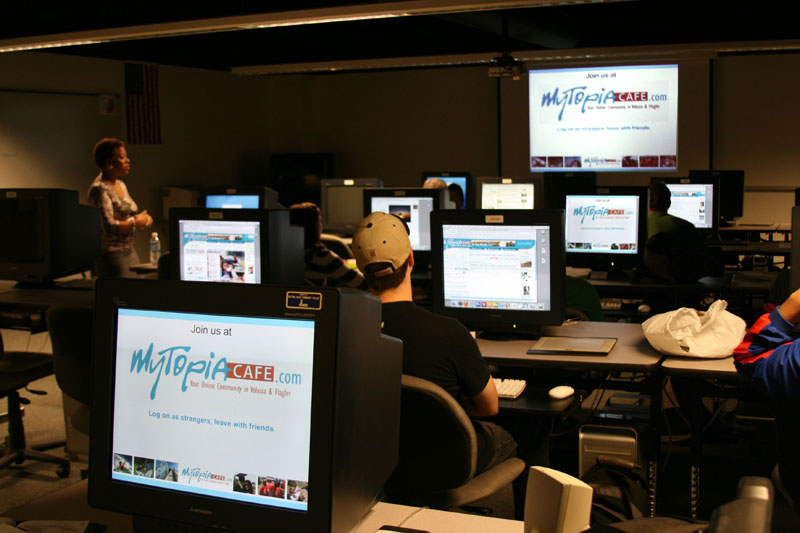
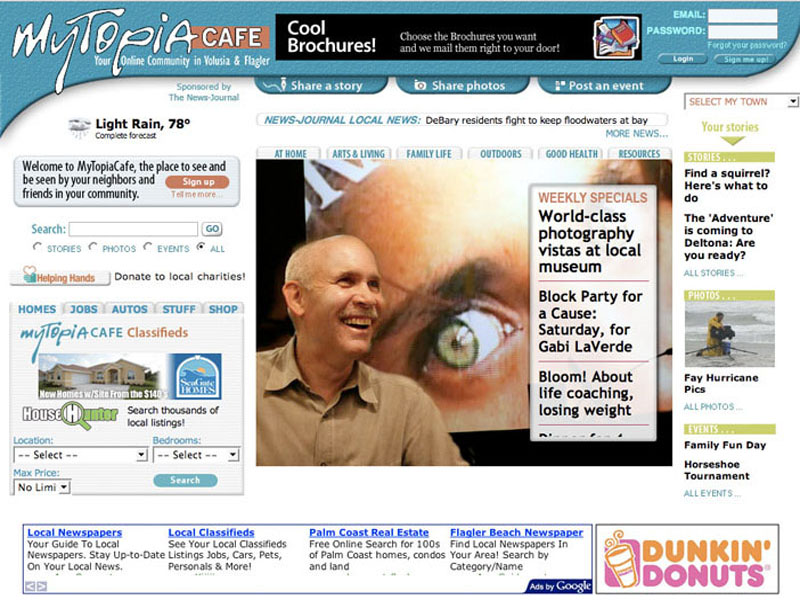
KICKOFF

|
|
|